
Pilot-Controlled Lighting: How to Turn On Runway Lights
Table of Contents
For a standard FAA pilot-controlled lighting system, tune the published lighting frequency and press and release the microphone switch seven times within five seconds. This selects the highest available intensity. Five or three clicks can then select a lower setting where the installation supports it. The usual lighting period is 15 minutes from the latest activation. FAA AIM 2-1-8
For a night VFR arrival, find the frequency before you need the lights. It is often the airport's common traffic advisory frequency, or CTAF, but that is not a safe assumption for every airport. This guide describes US FAA-standard systems; an airport elsewhere, or an independently installed US system, may use a different procedure.
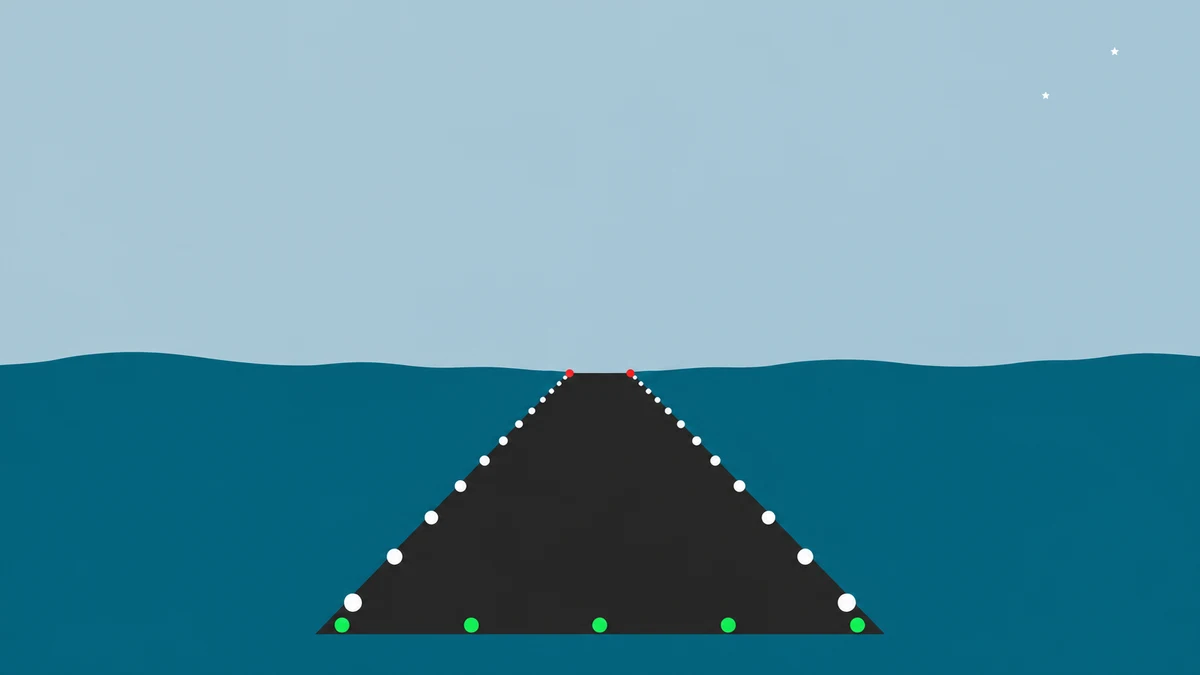
Check the airport entry before departure
Open the current FAA Chart Supplement for the destination and a usable alternative. Its airport entries contain lighting and operational information that is not all shown on a sectional chart. Check the lighting remarks, which runway the system serves, the activation frequency and any operating hours or special instructions. Review current NOTAMs as well.
Write a short arrival note where you can find it without searching through several screens:
- Runway and lighting: which runway is lit, and which aids you expect to see.
- Frequency and control: the published frequency and any nonstandard instructions.
- Alternative: where you will go if the lights cannot be used.
- Fuel decision: when a diversion still leaves a comfortable margin.
That alternative belongs in the flight plan from the beginning. Under US § 91.103, the preflight information for a flight away from the vicinity of an airport includes fuel requirements and available alternatives if the planned flight cannot be completed. FAA preflight action requirements
What seven, five and three clicks do
For the FAA-standard system, complete the whole sequence within five seconds. Each click means a distinct press and release of the transmit switch. Holding it down once for several seconds is not seven clicks.
| Microphone clicks | Standard control selection |
|---|---|
| 7 within 5 seconds | Highest available intensity; use this for initial activation |
| 5 within 5 seconds | Medium or lower intensity, depending on the installation |
| 3 within 5 seconds | Lowest available intensity, depending on the installation |
The important word is available. A single-intensity light cannot offer three brightness levels. Approach lights, runway lights and runway-end identifier lights can respond differently; the lower selections can turn some REIL installations off. Use the airport's published information and the FAA control tables when identifying what a particular installation should do. FAA AIM 2-1-8 and lighting-control tables
Listen before transmitting and fit the activation between radio calls. The clicks occupy the frequency, even though you are not speaking. After activating, positively identify the intended runway and the lights you expected. A newly visible strip in the distance still needs to be matched to your navigation and airport briefing.
Restart the timer near the airport
The timer runs from the most recent activation. Lights already glowing when you arrive may have been switched on by another aircraft many minutes earlier.
FAA guidance recommends keying the system again when overflying the intended airport or just before the final segment of the approach, even if the lights are already on. This also places you closer to receivers that may deliberately have limited sensitivity. FAA pilot control of airport lighting
Consider a fictional arrival: you activate the lights at 20:10, then spend several minutes identifying traffic and joining the pattern. At 20:21, you are preparing to turn final. The original 15-minute interval is nearing its end. A successful new activation at 20:21 gives a fresh interval; simply seeing the lights at that moment does not.
Work the activation into a quiet part of the approach. If you need to troubleshoot the radio, first keep the aircraft on a safe, manageable flight path. Do not let repeated clicking displace traffic lookout or a stable approach.
If the runway stays dark
While there is time and safe manoeuvring space, check the published frequency, the selected transmit radio and whether the full sequence was completed correctly. Check that you are trying to activate the airport you have actually identified. A handheld aviation radio may be a useful backup if you are familiar with it and can use it without compromising aircraft control; its presence does not guarantee that the airport system will work.
If the expected lighting remains unavailable, use the alternative you planned. On approach, discontinue the landing if the visual references needed for a safe landing are missing. Follow the applicable go-around or missed-approach procedure and account for terrain. Make that decision while you still have room to execute it.
A correct frequency cannot repair an airport fault. At Franklin, Virginia, in December 2022, a Cessna 177 pilot tried five and seven clicks without obtaining runway lights. Investigators confirmed the radio was tuned correctly and the lighting was inoperative. Concerned about fuel, the pilot attempted the dark-runway landing, then hit trees during the climb after aborting it. The NTSB identified the failure to clear the trees as the probable cause, with the inoperative lights contributing to the outcome. NTSB report ERA23LA094
The useful planning question is therefore larger than “Do I know the clicks?” It is whether an unsuccessful activation still leaves you with a straightforward next move.
Frequently asked questions
Is pilot-controlled lighting always on CTAF?
No. Use the frequency published for lighting in the Chart Supplement or applicable approach-chart information. The airport's ordinary communication frequency alone does not establish the lighting frequency.
Can I switch the runway lights off with three clicks?
For an FAA-standard system, three clicks select the lowest available setting. They do not normally cancel the 15-minute lighting period. Certain REILs are an exception, so avoid treating all airport lights as one identical circuit.
Do seven clicks guarantee that every light at the airport comes on?
No. The command selects the highest available setting for the controlled system. Independent equipment, published restrictions or failures can change what you see. Check the actual lighting before committing to the arrival.
Does activating the lights make the airport available for landing?
No. Lighting activation does not establish runway serviceability, airport opening status or permission to land. Those are separate parts of the airport briefing.